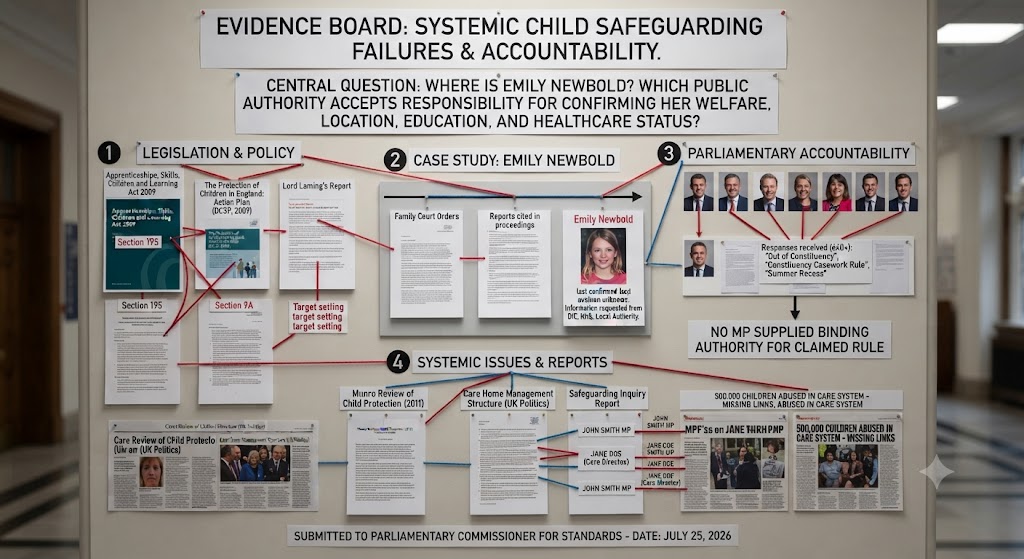
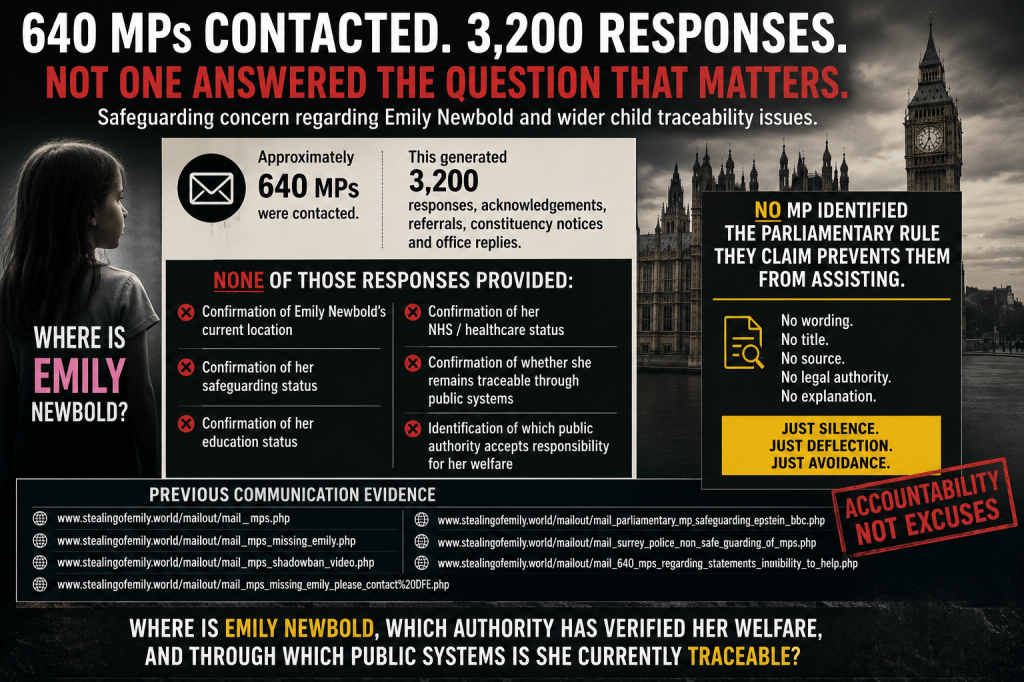
Why do MP and councilors only send out automatic responses is this because they Verbal Declaration (The “Declaration of Interest”): An MP is only required to declare an interest verbally when they are actively participating in parliamentary proceedings—such as speaking in a debate, voting on relevant legislation, asking a parliamentary question, or sitting on a select committee evaluating an industry they hold a financial stake in. Or just that they have directorships of care homes which that business supersedes their responsibility as your parliamentary representative
| The Councilors where quiet, They said they could not help They quoted parliamentary convention but it was just constituency etiquette instead. The list grew larger the councilors owned God help you daughters, if they was caught in their grasps | The mockery was frantic the list was to long the care homes and ownership Was the children’s doom. A phone call in despair a MP’S glad smile as he looks in teh aire listening for a name to add to his list to put in his care home where they struggle to exist. by Martin Newbold |
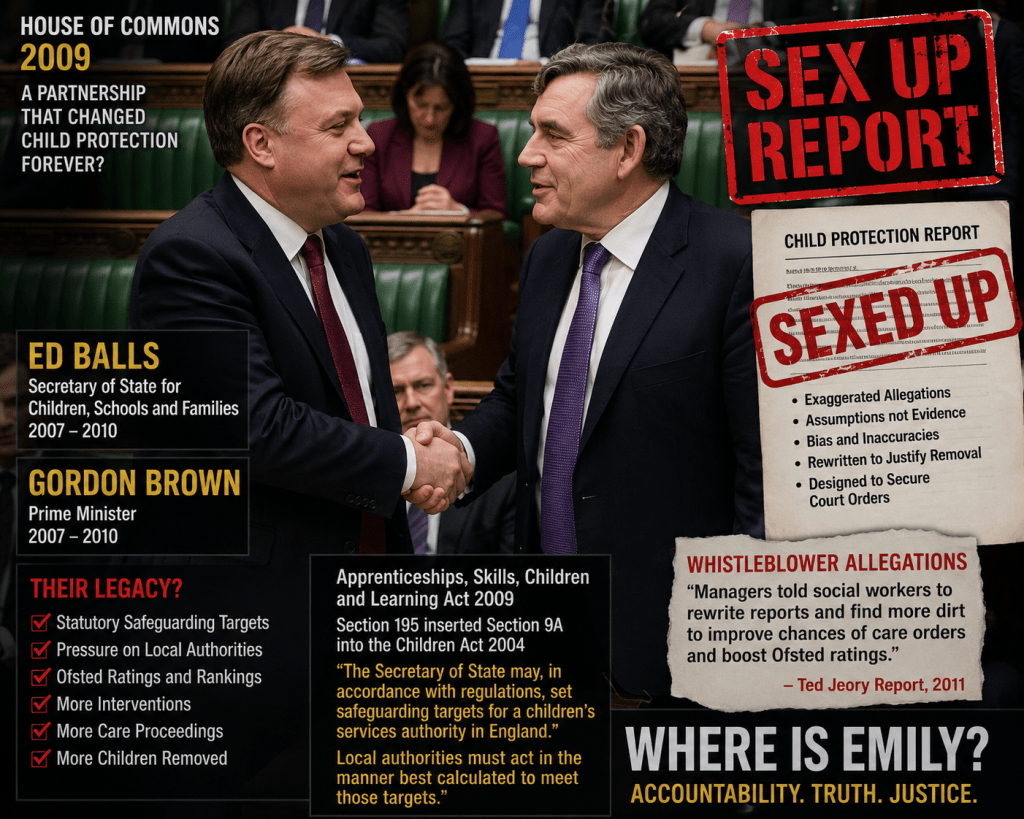
That material connects the systemic pressures of child protection targets—specifically citing Section 195 of the Apprenticeships, Skills, Children and Learning Act 2009 (inserting section 9A into the Children Act 2004)—to how government-set performance indicators and inspection regimes influenced local authority children’s services and court evidence.
1. The Email Infrastructure (Public-Facing)
When you send an email to an MP, it goes through Parliament’s standard corporate email system:
- Mail Server: Microsoft 365 / Exchange Online (hosted under
@parliament.uk). - Security & Routing: Mimecast (which handles spam filtering, auto-replies, and DKIM signatures).
This is why the email headers show Microsoft Exchange and Mimecast. The email itself arrives at Parliament’s official mail server first.
2. The Casework CRM (Internal Only)
Once the email lands in the MP’s Microsoft 365 inbox, the office uses a specialized CRM to organize and track it. In the UK Parliament, the vast majority of MPs use purpose-built casework CRMs, such as:
- Caseworker.mp (by Elected Technologies)
- eCasework
- Access CRM / Member365
These CRMs connect directly to the MP’s Microsoft 365 inbox behind the scenes via an API (like Microsoft Graph).
How a Caseworker Actually Handles Your Email
When an email arrives, here is the physical process inside the office:
- Ingestion: The email enters the
@parliament.ukMicrosoft 365 inbox. Exchange automatically fires off the initial auto-acknowledgment rule. - Syncing to CRM: The casework CRM (e.g., Caseworker.mp) reads the incoming email from the Microsoft 365 inbox and automatically creates a new “Case” or “Ticket” on the MP’s internal dashboard.
- Processing: A caseworker logs into the CRM dashboard—not Outlook. They see your message, check your address/postcode against constituency database records, tag the issue (e.g., Housing, Home Office, NHS), and assign it to a team member.
- Replying: When the caseworker types a reply inside their CRM dashboard and clicks “Send”, the CRM routes the reply back through their Microsoft 365 account so it comes from
zoe.franklin.mp@parliament.uk.
Why You Don’t See the CRM in the Headers
Because these specialized CRMs send outbound replies through the MP’s authorized Microsoft 365 account rather than sending directly from their own servers, the email headers will only ever show Microsoft Exchange and Mimecast.
So while they are absolutely using a CRM system internally to manage thousands of constituent files, the email protocol itself remains purely Microsoft 365.



 thestealingofemily.co.uk
Leave a comment